01
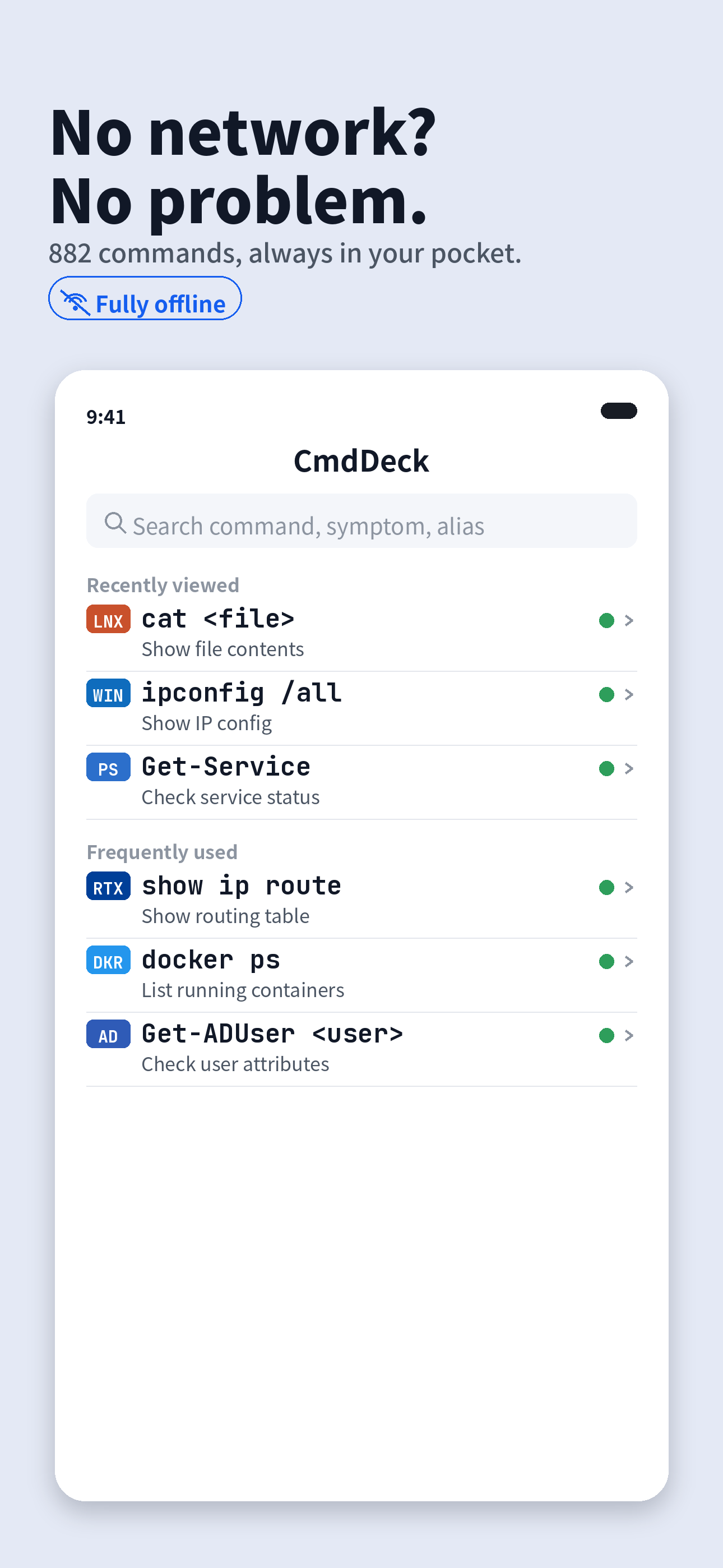
Fully offline
Outages, air-gapped rooms, locked-down sites — everything lives on device. No connection required.
 CmdDeck
A fast command reference for sysadmins and junior engineers. 882 commands plus 75 symptom-to-fix guides — even with no connection.
Don't memorize — look it up. Six things built for IT work.
Outages, air-gapped rooms, locked-down sites — everything lives on device. No connection required.
Pick a symptom like “can’t connect” and CmdDeck walks you through the commands to check, in order.
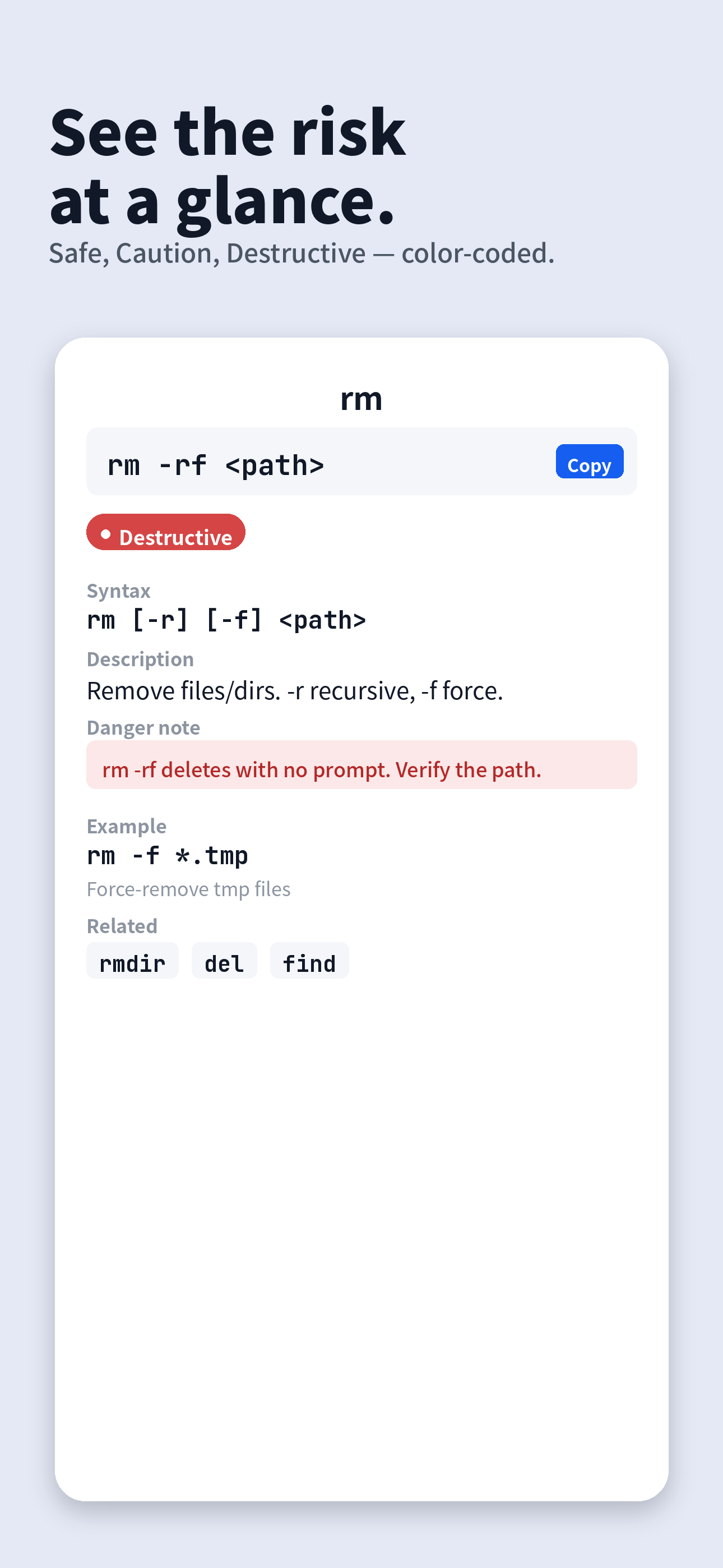
Safe, Caution and Destructive are color-coded so you catch irreversible operations before you run them.
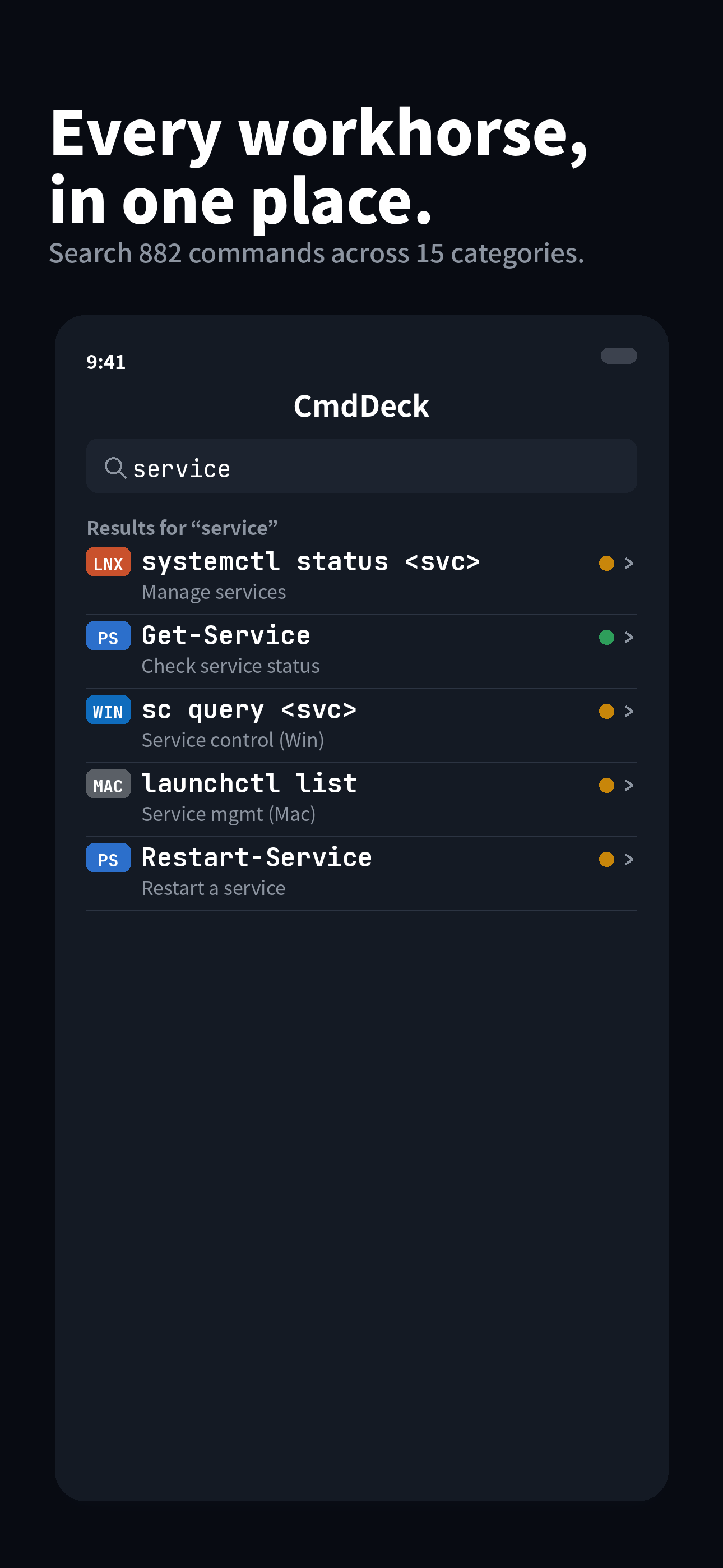
Search by command, alias, common name or symptom. Copy in one tap, paste into your terminal.
Only the commands you actually use on the job.
WindowsPowerShellLinuxmacOSCiscoActive DirectoryGitMicrosoft 365YAMAHAFortiGateVirtualizationDockerKubernetesCloudSQLSwitch language anytime. iPhone, iPad and Mac, with favorites and history synced via your own iCloud.
Light and dark. Large type that reads even in a dim server room.
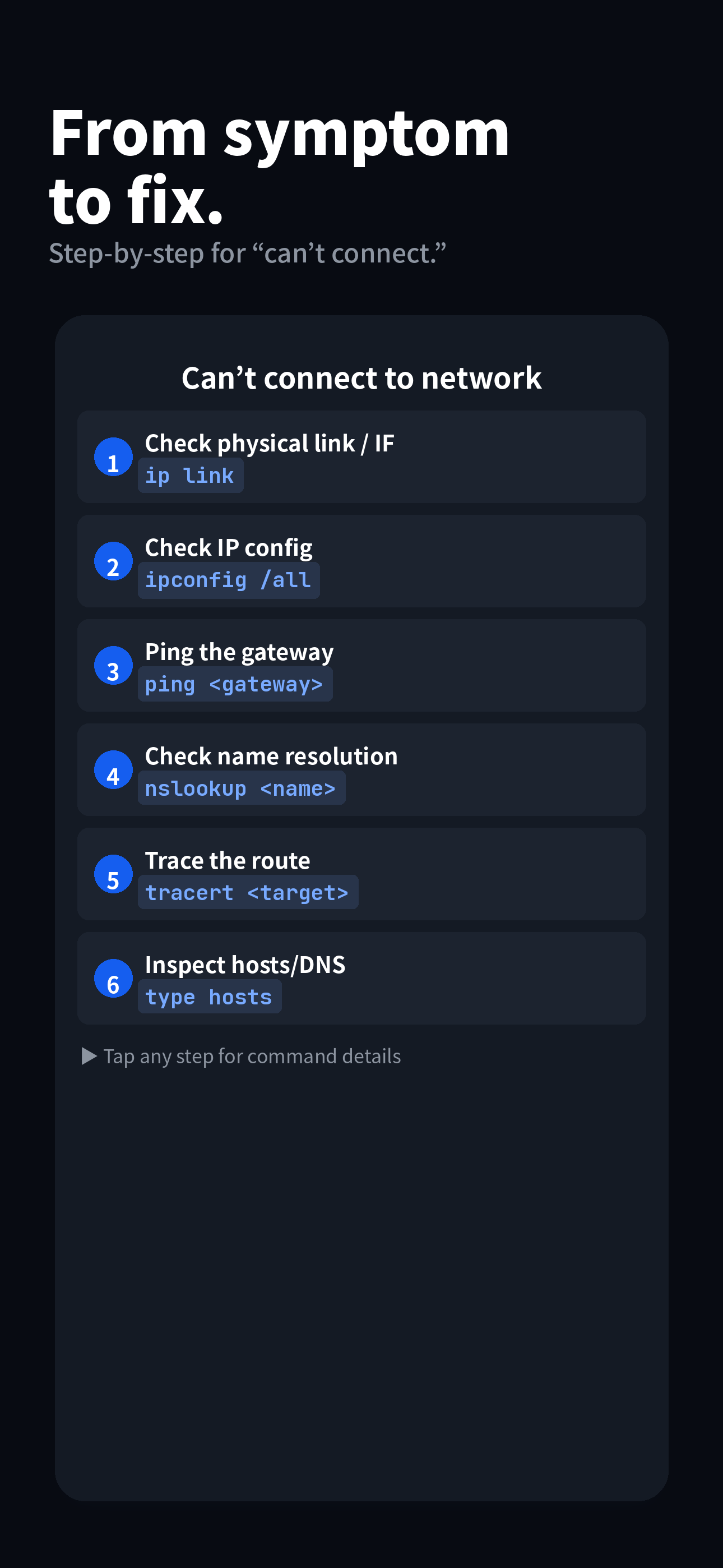
Pick the symptom; the commands to check line up in order.
Choose “can’t connect to the network” and similar.
TroubleshootingThe commands to check appear in sequence.
ping <gateway>One-tap copy; check the danger level and run.
nslookup <name>Try it free, unlock everything once.
☕ No subscriptions. No hidden fees. Just a one-time coffee for the dev.
Yes. Every feature runs on device; viewing and searching commands needs no connection.
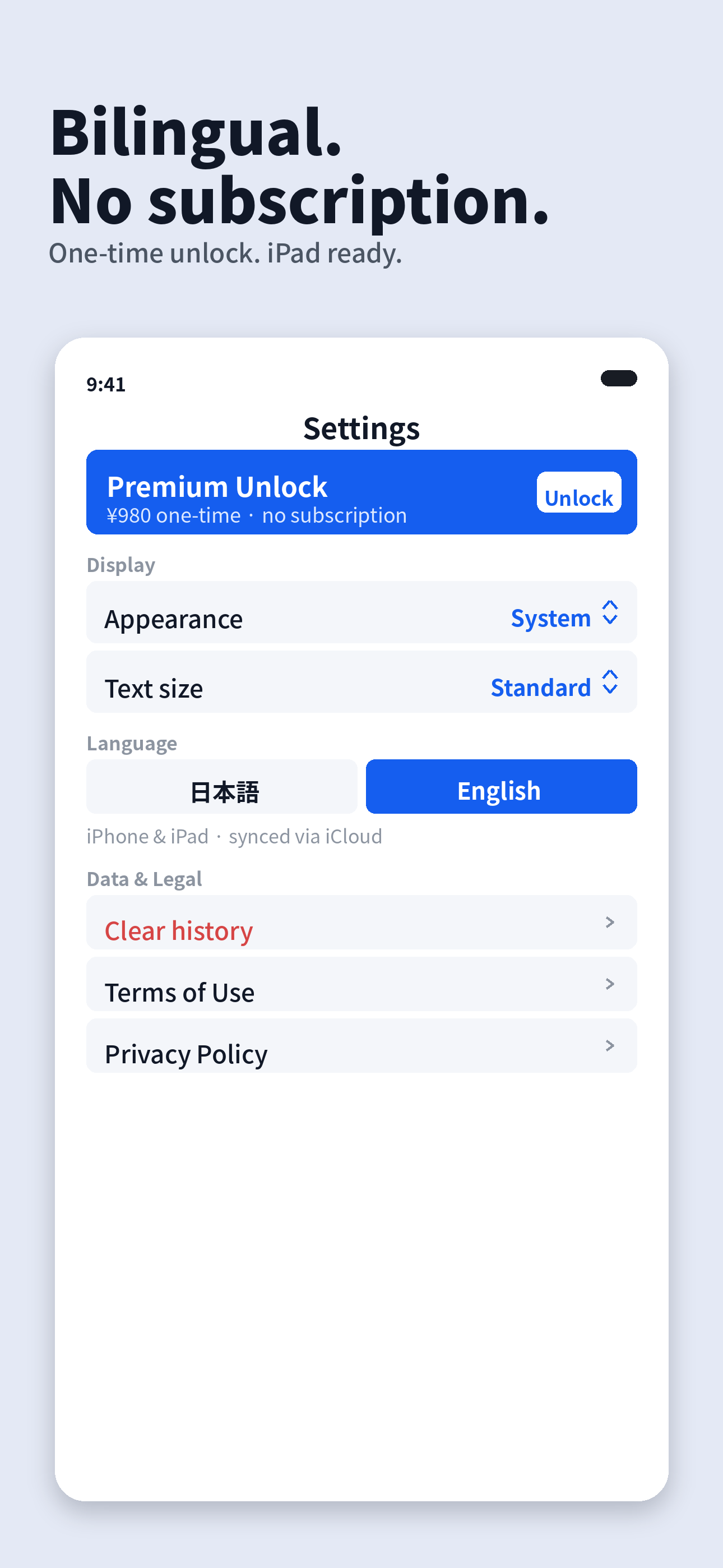
No. There is only a one-time “Premium Unlock” — no monthly or yearly fees.
iPhone and iPad, plus Apple Silicon Macs.
No. There are no analytics, ads or tracking, and the developer collects no data. Favorites and history stay in your own iCloud.
882 commands and 75 troubleshooting guides across 15 areas — Windows / PowerShell / Linux / macOS / Cisco / AD / Git / M365 / YAMAHA / FortiGate / virtualization / Docker / Kubernetes / Cloud / SQL.
It is provided for reference. Run commands at your own risk, ideally in a test environment and after taking backups.
Report a bug or request a command — we’d love to hear from you.
If the form doesn’t load, open it here
An indie iOS software house in a corner of the forest.